Every school computer, one calm control room.
EduMonitor shows the health, hardware and use of every computer in your schools' labs, classrooms and offices. It flags problems before a lesson starts and turns a year of usage into reports you can plan budgets with.
Runs in any browser. The agent supports Windows, Ubuntu and macOS computers.
- Online 0
- Warning 0
- Critical 0
- Offline 0
Made for the people who keep school computers running
Principals and lab in-charges
See which machines work before the class walks in, who used a lab and for how long, and which rooms sit idle.
School groups and education offices
Compare labs across schools, districts and provinces from one screen, and send each school only what it needs to see.
IT teams and technicians
Catch failing disks, removed RAM and overheating early, with a full hardware history for every computer.
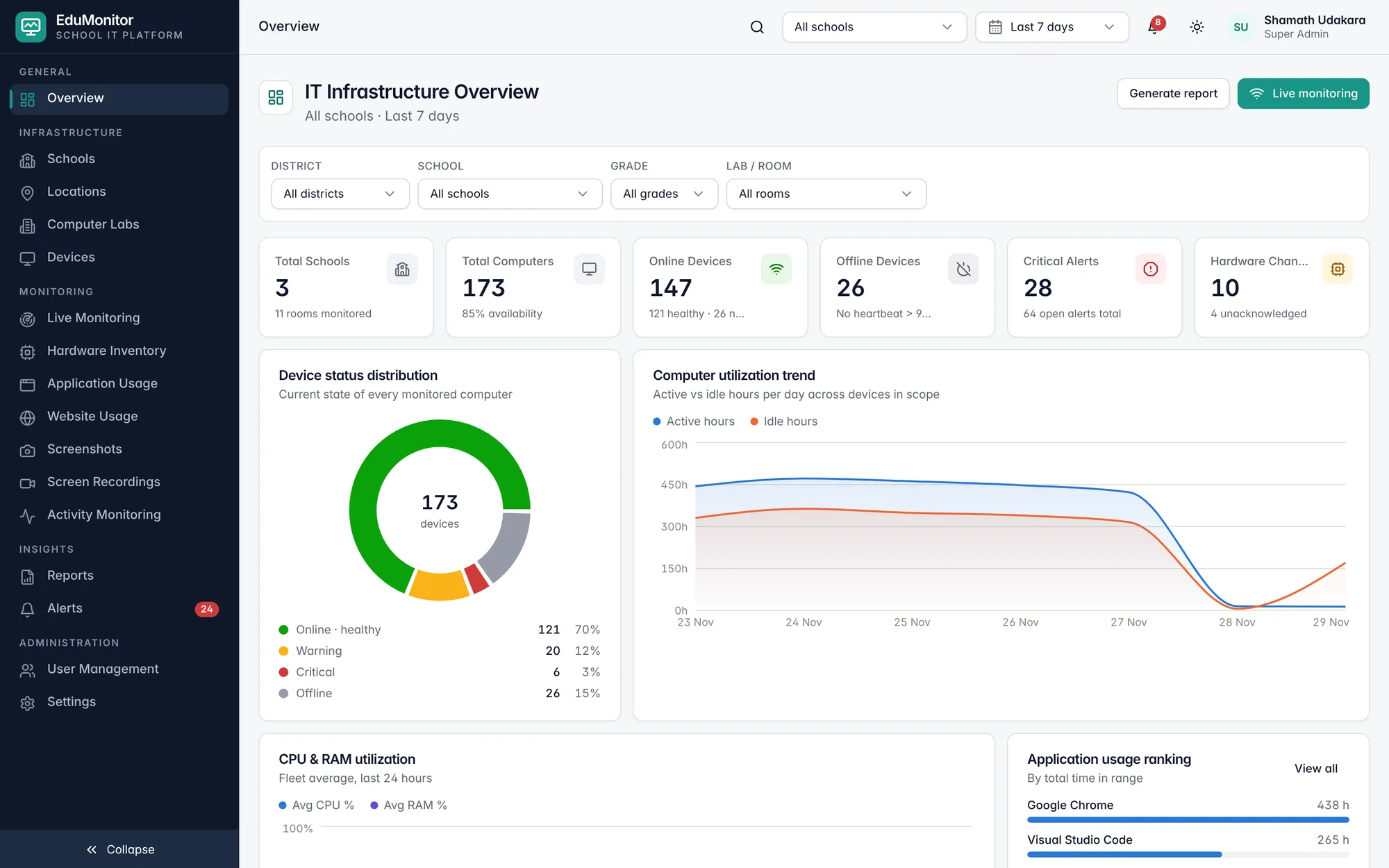
The whole network at a glance
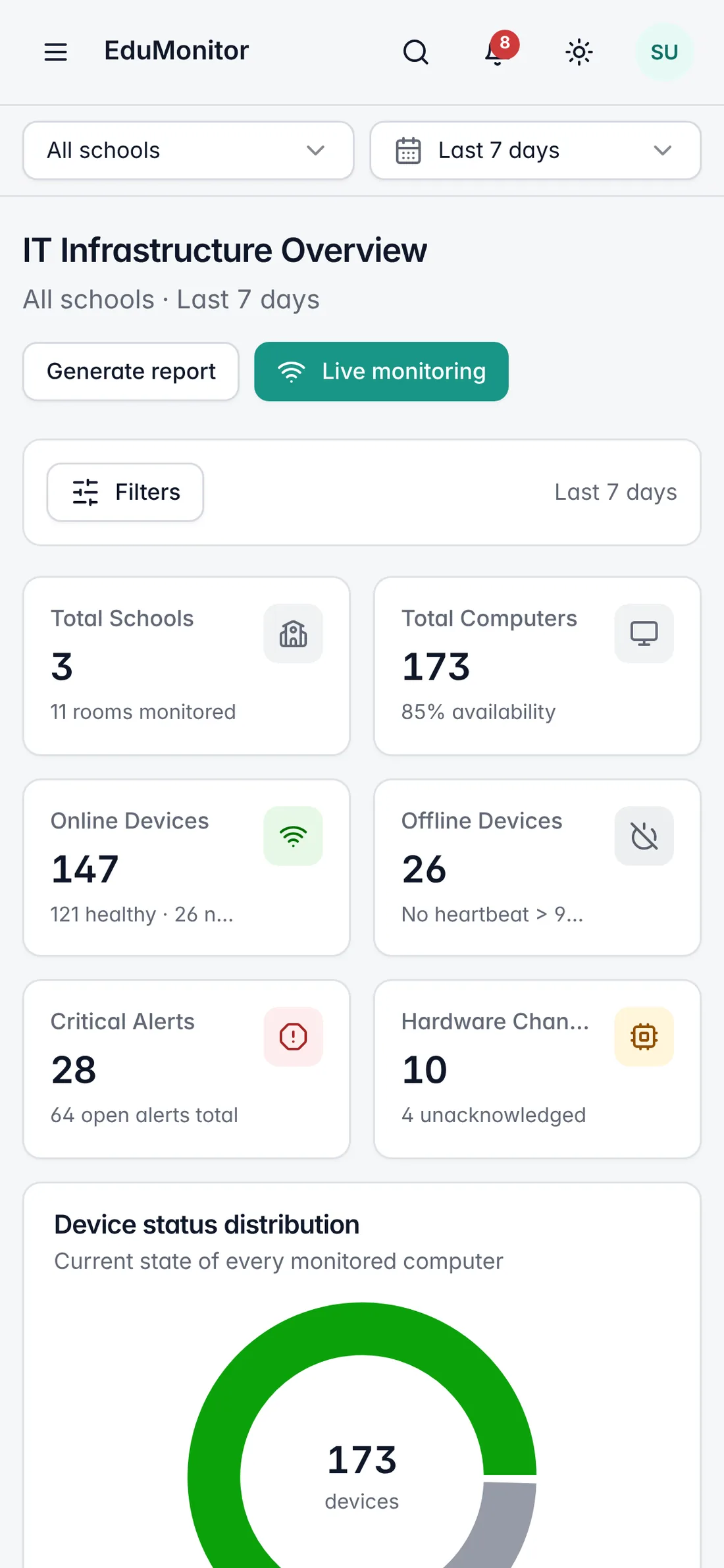
The overview pulls schools, rooms, devices, alerts and usage into one page. Filter by district, school, grade or room and every number follows.

Inside EduMonitor
Fifteen modules, one sign-in. Choose a screen to see what it does.
Infrastructure
Monitoring
Insights and administration
Overview dashboard
Built into every screen
- One filter for everything
- Narrow any page by district, school, building, room, grade or a single device, and set any date range.
- Search from anywhere
- Press Ctrl+K or ⌘K to jump to any school, room, device or page.
- Alerts you can tune
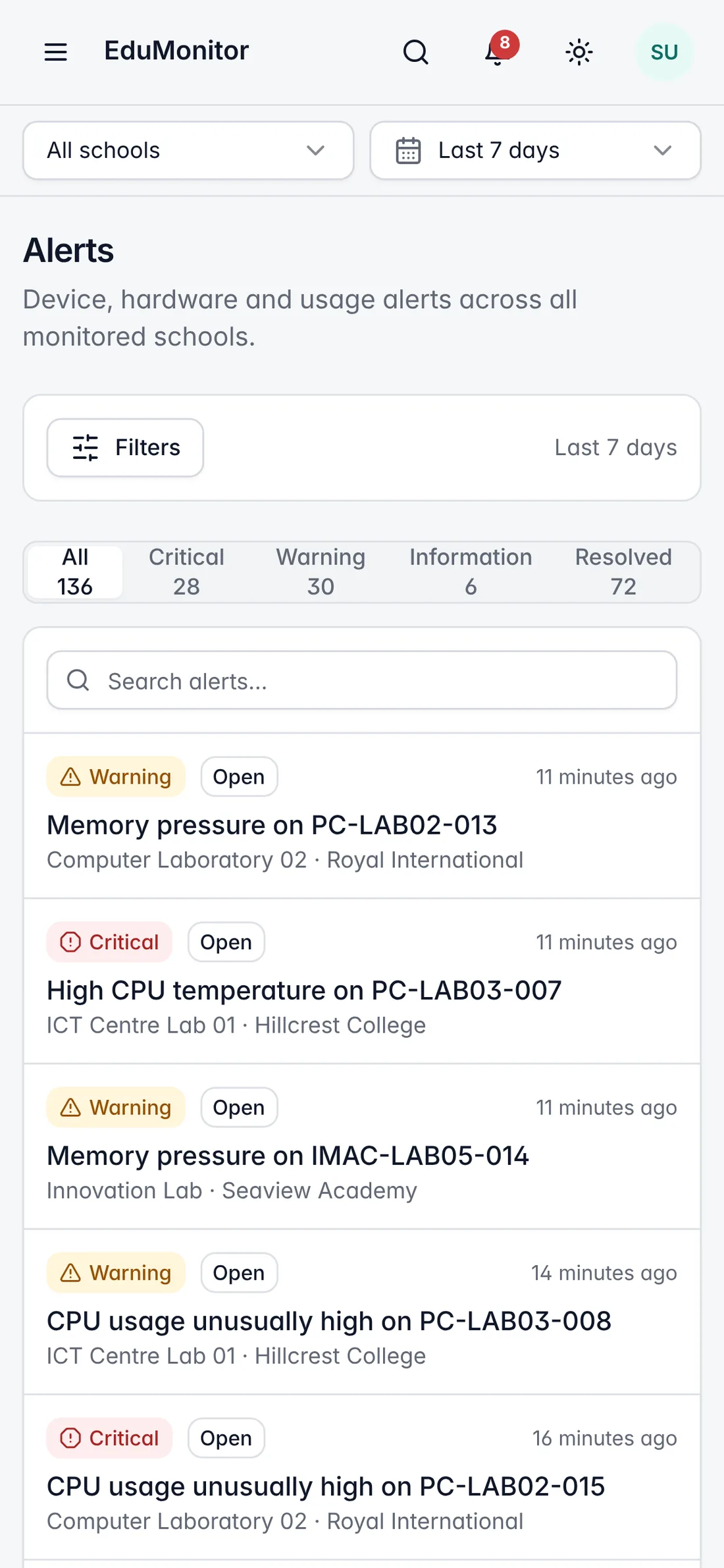
- Device offline, RAM decreased, high CPU, disk nearly full, hardware changed, long inactivity, unusual status and high temperature, with thresholds you set.
- Exports for meetings
- Ten report types export to CSV or print straight to PDF.
- Light and dark
- Follows the computer's setting, or pick one.
- Phone, tablet and desktop
- The same screens rearrange for a phone in the corridor or a wall display in the IT office.
Everyone sees what their job needs
Four roles, and each person is assigned the schools they look after. Principals and lab assistants work with their own school's computers.
| Module | Super Admin | IT Administrator | School Administrator | Lab Assistant |
|---|---|---|---|---|
| Overview, labs, floor plans and devices | Yes | Yes | Yes | Yes |
| Live monitoring, hardware, activity and alerts | Yes | Yes | Yes | Yes |
| Schools directory | Yes | Yes | Yes | No |
| Application and website usage | Yes | Yes | Yes | No |
| Screenshots | Yes | Yes | Yes | No |
| Reports and exports | Yes | Yes | Yes | No |
| Screen recordings | Yes | Yes | No | No |
| Settings and monitoring policy | Yes | Yes | No | No |
| User management | Yes | No | No | No |
Monitoring a school can explain to parents
EduMonitor watches school-owned equipment, not students' private lives. Each kind of data can be switched off in the school's monitoring policy.

Only enrolled school devices
A computer reports nothing until it is enrolled with the school's own token.
Domains, never pages
Website usage records the site name and time spent. Full addresses, searches, page content and private browsing are never collected.
Screenshots in lesson time only
Periodic screenshots run at the interval you choose during school hours, and never outside them.
Recordings need a reason
Every screen recording is logged with who asked for it and why. You can require the principal's approval first.
Data that expires
Old data is deleted on a schedule you set. The defaults are 30 days for screenshots and recordings, 180 days for activity and one year for the audit log.
A record of who looked
Opening a screenshot or recording is written to the audit log.
From sign-up to a full picture
-
Map your schools
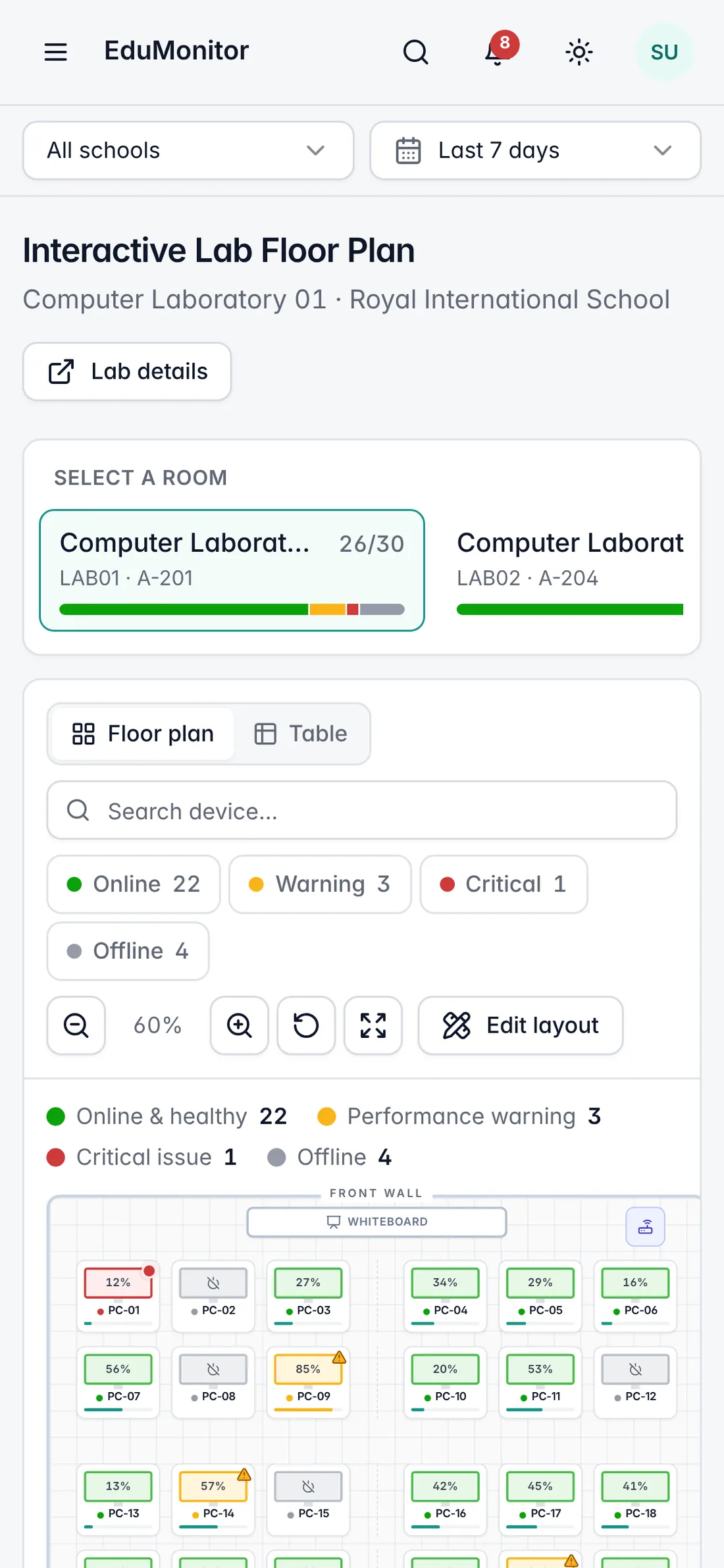
Add schools, buildings and rooms, then lay out each lab's seats, aisles, whiteboard and door in the layout editor.
-
Enroll the computers
Install the EduMonitor agent on Windows, Ubuntu or macOS computers with your school's enrollment token. Each one takes its seat on the floor plan.
-
Set the policy
Choose what is collected, the alert thresholds and how long data is kept. Invite staff and give each person a role.
-
Watch and report
Computers check in every 30 seconds. Alerts, dashboards and reports stay up to date without anyone filling in a spreadsheet.
Check a lab from the corridor
Every screen works on a phone. Open the floor plan on the way to a lesson, or acknowledge an alert from the staff room.
See it with your own schools
Try the live demo now, or book a walkthrough and we'll set it up with your schools and labs.